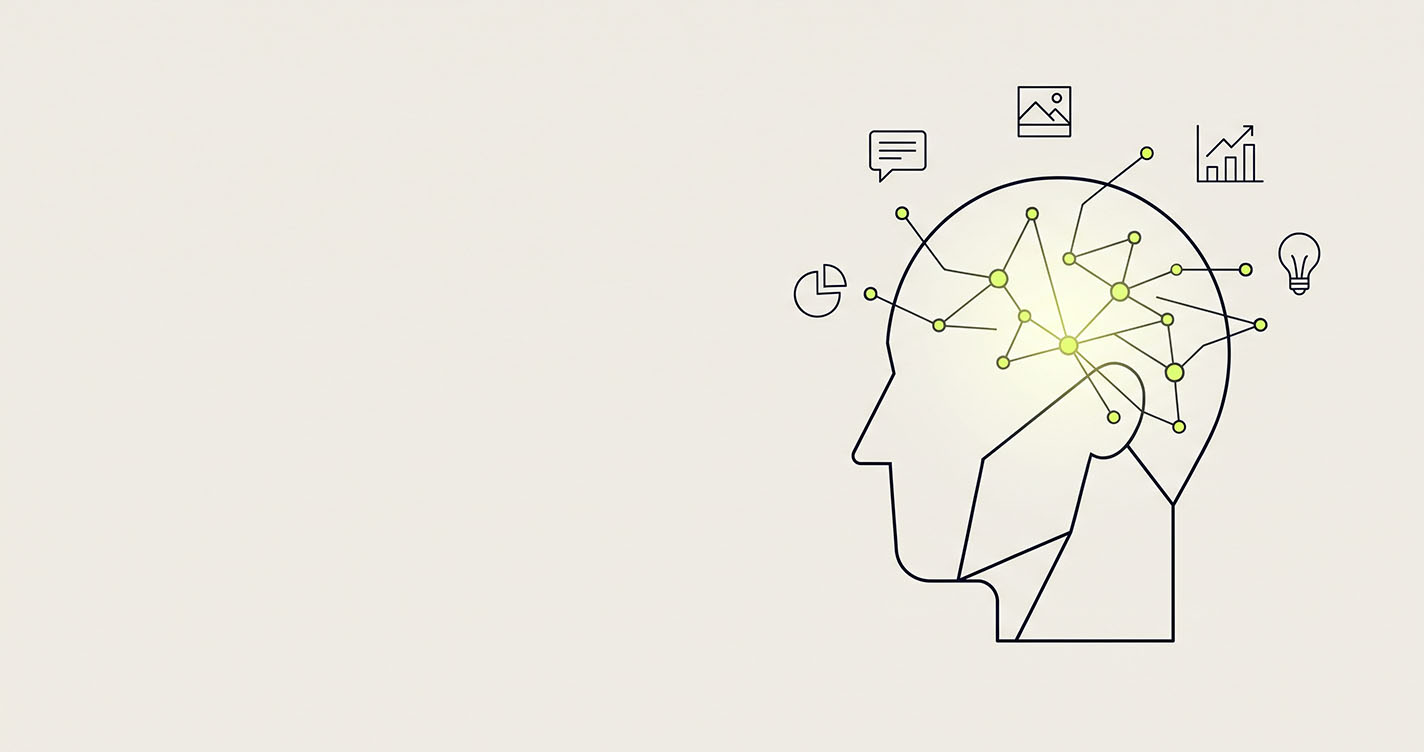
Artificial intelligence (AI) is software that learns patterns from huge amounts of data and uses them to do tasks that normally need human thinking — understanding language, recognising images, making predictions and creating new content. Unlike regular software, nobody writes every rule by hand. The system learns the rules from examples.
That's the whole idea. Everything else — chatbots, self-driving cars, Netflix recommendations, spam filters — is that idea applied to a different problem.
You already use AI dozens of times a day. Your phone's face unlock, your email's spam folder, Google Maps rerouting you around traffic, the autocomplete on your keyboard. The difference in the last few years is that AI can now talk back — and that changes what ordinary people and small businesses can do with it.
This guide explains AI in plain English: how it works, what it can and can't do, and how to start using it this week.
How does AI actually work?
AI works by learning from examples instead of following hand-written rules. Show a system millions of examples, let it spot the patterns, and it can apply those patterns to things it has never seen.
Think about how a child learns what a dog is. Nobody gives them a rulebook — "four legs, fur, tail, barks." They see hundreds of dogs, get corrected a few times ("no, that's a cat"), and eventually recognise a breed they've never met. AI learns the same way, just with far more examples and far less patience required.
In practice, building an AI system takes three steps:
Data — collect a large set of examples: text, images, transactions, recordings.
Training — the system makes guesses, checks them against the right answers, and adjusts itself millions of times until its guesses get good.
Use — the trained system (called a model) is put to work on new inputs: your question, your photo, your spreadsheet.
One thing to remember: AI doesn't "understand" the way people do. It is extremely good at predicting what fits — the next word, the likely label, the probable outcome. That's why it can be brilliant and wrong in the same breath, which we'll come back to.
What are the main types of AI?
The AI terms you hear fit inside each other like nesting dolls: AI is the biggest doll, and large language models like ChatGPT are the smallest. Here's each layer in one line:
Artificial intelligence — any software doing tasks that need human-like thinking. Example: chess engines, route planning.
Machine learning — AI that learns from data instead of fixed rules. Example: spam filters, fraud alerts.
Deep learning — machine learning using layered "neural networks" for complex patterns. Example: face unlock, voice assistants.
Generative AI — deep learning that creates new text, images, audio or code. Example: image generators, AI music.
Large language models (LLMs) — generative AI trained on text to read and write language. Example: ChatGPT, Claude, Gemini.
You'll also hear two bigger labels:
Narrow AI — built for specific tasks. Every AI you can use today is narrow, even the impressive ones.
General AI (AGI) — a hypothetical AI that could learn any intellectual task a human can. It's a research goal and a hot debate, not a product you can buy.
For most people and businesses, the layer that matters right now is generative AI — because it's the first kind you can simply talk to.
What can AI do for you today?
Today's AI is best at work that is repetitive, language-heavy or pattern-based — the tasks that eat your hours but not your expertise. Here's where it earns its keep:
At home and in daily life
Explain a confusing letter, contract or medical leaflet in plain words
Plan a trip, a weekly meal plan or a budget in minutes
Translate a conversation or a document between languages
Help a child with homework by explaining a concept a different way
At work
Draft emails, proposals and reports, then polish your own writing
Summarise a 40-page document or a long email thread into five bullets
Turn messy notes into a clean meeting summary with action items
Analyse a spreadsheet and explain what the numbers are saying
Write, review and debug code
In a business
Answer common customer questions around the clock
Move data between tools automatically instead of copy-pasting
Generate first drafts of marketing copy, product descriptions and social posts
Spot unusual transactions, late payments or sudden drops in sales
The pattern: AI handles the first 70–80% of a task fast, and a person finishes the last stretch with judgment. Used that way, it doesn't replace people — it gives them their time back.
What can't AI do?
AI can't guarantee it's right, can't take responsibility, and doesn't know your business the way you do. Knowing its limits is what separates people who get real value from AI from people who get burned by it.
It can confidently make things up. AI sometimes produces facts, figures or sources that sound real but aren't — called hallucinations. Always check anything that matters.
It doesn't truly understand. It predicts what fits. It can write a perfect-sounding answer to a question it has misread.
It lacks your context. It doesn't know your customers, your history or your unwritten rules unless you tell it.
It can't own a decision. Hiring, firing, medical, legal and financial calls need a human who is accountable.
It reflects its training data. If that data has gaps or bias, the output can too.
It can leak what you share. Don't paste passwords, client data or confidential documents into tools your organisation hasn't approved.
The simple rule: treat AI like a fast, well-read junior assistant. Brilliant for first drafts and heavy lifting. Never the final sign-off.
How do you start using AI this week?
Pick one free AI assistant, give it one real task you do every week, and judge it on results — not hype. That's it. Here's the three-step version:
Pick one tool. ChatGPT, Claude or Gemini all have free versions. Don't try them all — choose one and stick with it for a week.
Give it a real task. Not "tell me a joke." Use something from your actual week: a reply you've been avoiding, a report to summarise, a plan to draft.
Give it context, then refine. Good results come from good instructions. Then push back: "shorter," "more formal," "explain step 2 again."
The difference context makes:
Weak prompt:
Write an email to a client.
Strong prompt:
Write a short, friendly email to a client whose project is delayed one week because of a supplier issue. Apologise once, give the new date, and offer a 15-minute call. Keep it under 120 words.
The strong prompt tells the AI who it's writing for, what happened, what you want, and how long. Do that every time and you'll get usable output on the first try far more often.
What does AI mean for businesses?
For most businesses, the biggest AI win isn't a futuristic robot — it's removing the manual, repetitive work that quietly eats hours every week. Copying data between tools. Chasing the same updates. Rebuilding the same report every Monday.
There are three practical ways a business can put AI to work:
Use AI tools directly — give your team an AI assistant for writing, research and analysis. Low cost, fast payoff.
Automate workflows — connect your CRM, spreadsheets and internal tools so routine work runs by itself. This is where the biggest time savings usually hide.
Build faster with AI — use AI-assisted engineering to ship custom software and internal tools in a fraction of the traditional time, without cutting corners on quality.
That third point is exactly how we work at Suswo. We use AI-assisted engineering to build software and automation — and we run our own products the same way. Hourvy, our time-tracking and payroll tool for hourly teams, and Numbish are both live in production and built with the same approach we bring to clients.
One honest note: we use AI to build. We don't build AI models. For most businesses, that's the part that matters — getting working software and automation, faster.
If you have a manual process you'd like to see automated, tell us what you're trying to build.
Frequently asked questions
What is AI in simple words? AI is software that learns from examples to do tasks that usually need human thinking, like understanding language, recognising images or making predictions.
What is the difference between AI and machine learning? AI is the broad goal of making software act intelligently. Machine learning is the most common way to get there — software that learns patterns from data instead of following hand-written rules.
What is generative AI? Generative AI is AI that creates new content — text, images, audio, video or code — based on patterns it learned from existing examples. ChatGPT, Claude and Gemini are generative AI tools.
Is AI going to take my job? AI is more likely to change jobs than erase them. It takes over repetitive parts of work, so people who learn to use it well tend to become more valuable, not less.
Is AI safe to use at work? Yes, with sensible rules: use tools your organisation approves, never paste passwords or confidential client data, and always check important facts before you act on them.
Do I need to know coding to use AI? No. Modern AI assistants work through plain conversation. If you can write a clear email, you can use AI.
How can a small business start with AI? Start by giving your team one AI assistant for writing and research, then look for one repetitive manual process to automate. Small wins compound fast.
The bottom line
AI is software that learns patterns from data instead of following hand-written rules.
Generative AI — tools like ChatGPT, Claude and Gemini — is the first kind anyone can simply talk to.
It's excellent at first drafts, summaries, analysis and repetitive work. It is not a final decision-maker.
The fastest way to learn it is to use one tool on one real task this week.
For businesses, the biggest gains come from automating the manual work nobody enjoys.
AI isn't magic, and it isn't going away. The people and businesses who learn to use it well now will have a real head start.
Have a process that's eating your team's time? Talk to Suswo — we'll show you what AI-assisted automation could do for it.
Written by